
How to Export All Submissions from a Form or Survey
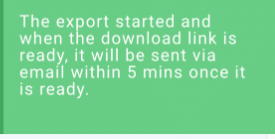
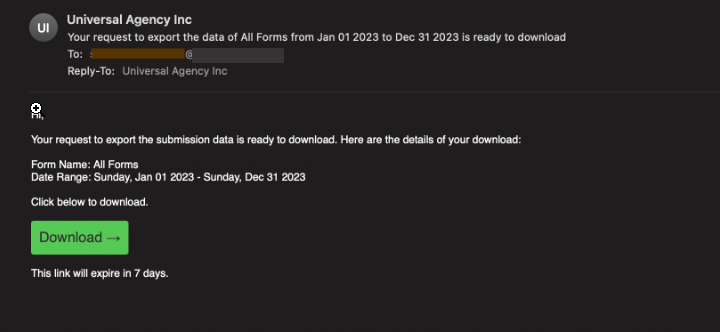
You can export all submissions for selected forms/surveys or all forms/surveys in a batch job and receive an email with a download link. When you initiate the export option, you will see a toast message saying that the export will be sent via email once it is ready. The exported file will be available for download for 7 days before it expires.
No more time-consuming and tedious CSV exports limited to a single page!
Say goodbye to manual filtering and multiple CSV exports when exporting large amounts of data!
Steps to import your form submission data:
1 . Choose a single form or all forms and Click on the Export button.
2 . Confirm the submission.
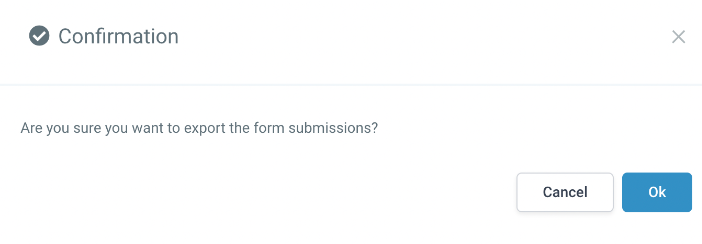
3 . Your export has started, and you will see the message on the bottom right, and you will get an email with a download link in 5 mins.
4 . You should see the email with the download link. Make sure to download from the link.
5 . You can download and open your CSV file to view the leads